How to Record a Good Process Video
Intro
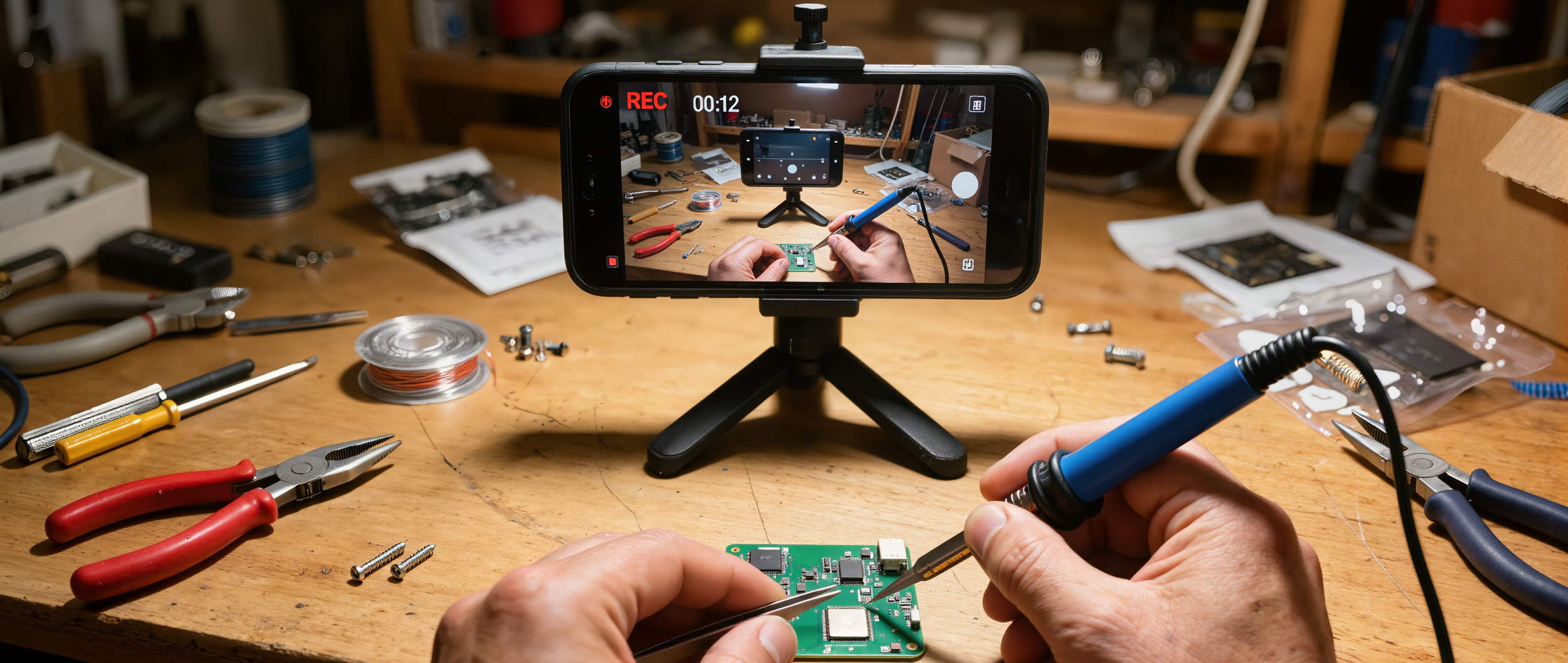
You don’t need anything fancy. A simple phone recording works.
Follow these guidelines to help us turn your video into a clear, accurate procedure your team can actually follow.
1. Talk Through What You’re Doing
As you record, explain each step out loud.
Say things like:
“First, I grab this part…”
“Now I tighten this using a 10mm wrench…”
“Next, I check this connection…”
If you don’t say it, we may have to guess — and that can lead to missing details.
2. Show the Full Process From Start to Finish
Record the entire process from beginning to end.
At the start, briefly explain:
What you’re working on
What the final result should look like
This helps us structure the procedure clearly.
3. Show Tools, Parts, and Materials
Before you begin, take a few seconds to show:
Tools you’ll be using
Parts or components
Any materials involved
If applicable, call out:
Part numbers
Tool sizes
Material types
Example:
“This is part number 4626-12 and we’re using a 3/8 wrench.”This allows us to include a clear “Tools & Materials” section.
4. Capture Documentation Steps (Important)
If your process includes any kind of documentation, make sure to show and explain it.
This includes:
Travelers
Checklists
Test reports
Inspection sheets
Labels or serial numbers
Explain things like:
What needs to be filled out
What information is required
When it needs to be completed
Example:
“After this step, we record the voltage here on the test report and sign off.”This helps us include accurate documentation steps in the procedure.
5. Get Close When It Matters
For detailed steps:
Move the camera closer
Slow down slightly
Make sure the action is clearly visible
This helps us capture accurate visuals for key steps.
6. Keep It Real (No Need to Be Perfect)
You don’t need to script anything.
Just record the process as you normally do it.
We’ll take care of organizing everything into a clean, structured procedure.
7. Avoid These (If Possible)
Loud background noise
Skipping steps
Recording from too far away the entire time
Fast movements that are hard to follow
Quick Checklist Before You Submit
Did I explain what I’m doing out loud?
Did I show tools, parts, and part numbers?
Did I capture any documentation steps (forms, reports, travelers)?
Did I record the full process from start to finish?
Are key steps clearly visible?
If yes, you’re good to go.
Final Note
A clear video leads to a clearer procedure.
If you’re unsure whether your video is good enough, send it anyway — we’ll let you know if anything is missing.